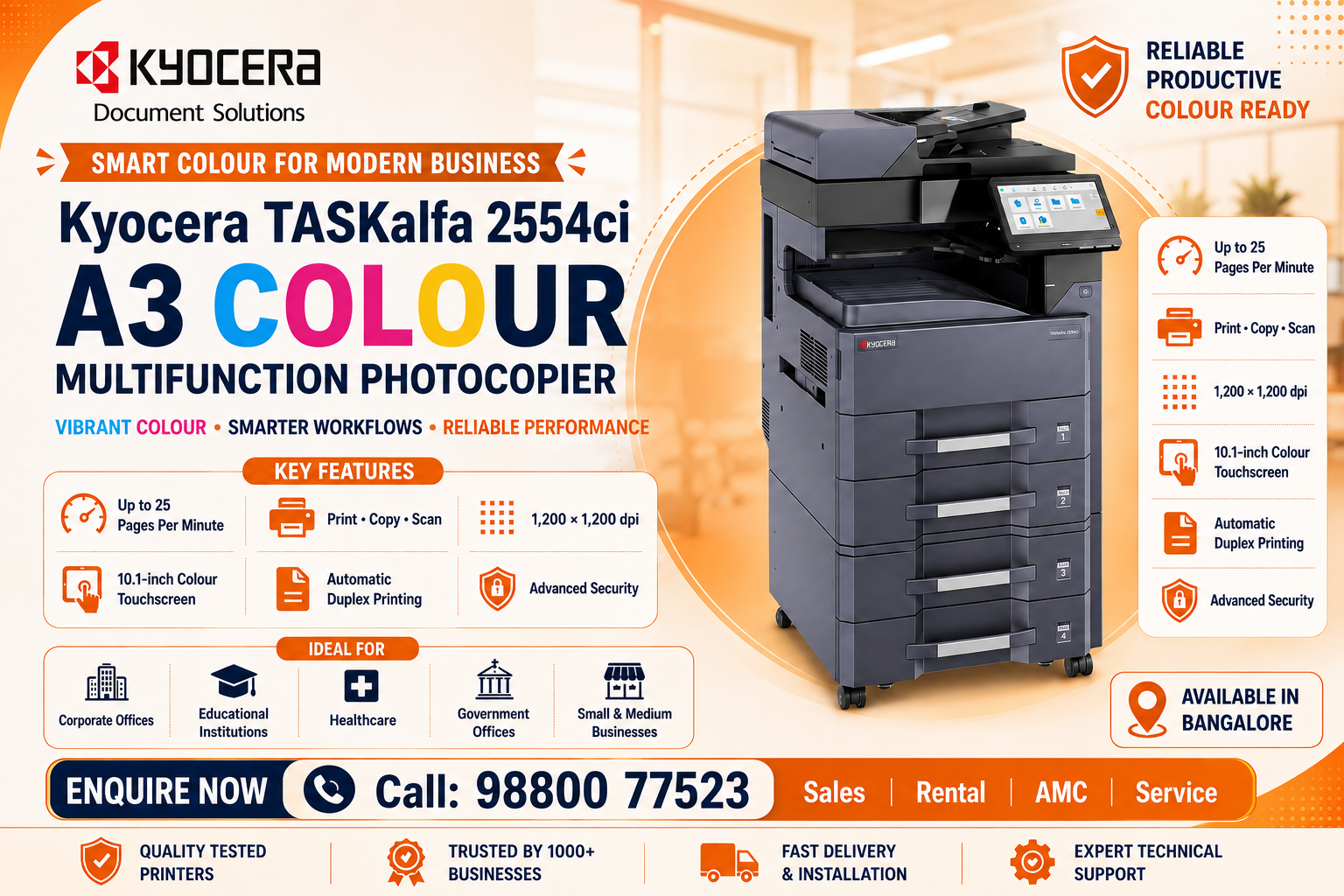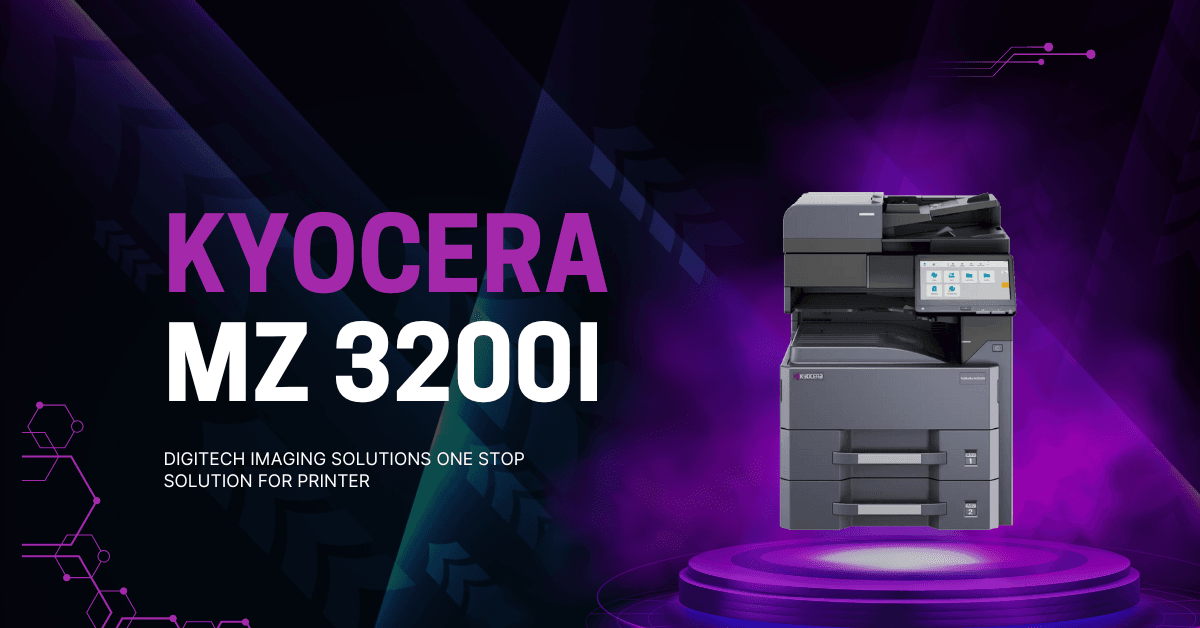

Kyocera TASKalfa MZ3200i A3 Photocopier in Bangalore

Kyocera TASKalfa MZ3200i A3 Monochrome Multifunction Photocopier in Bangalore

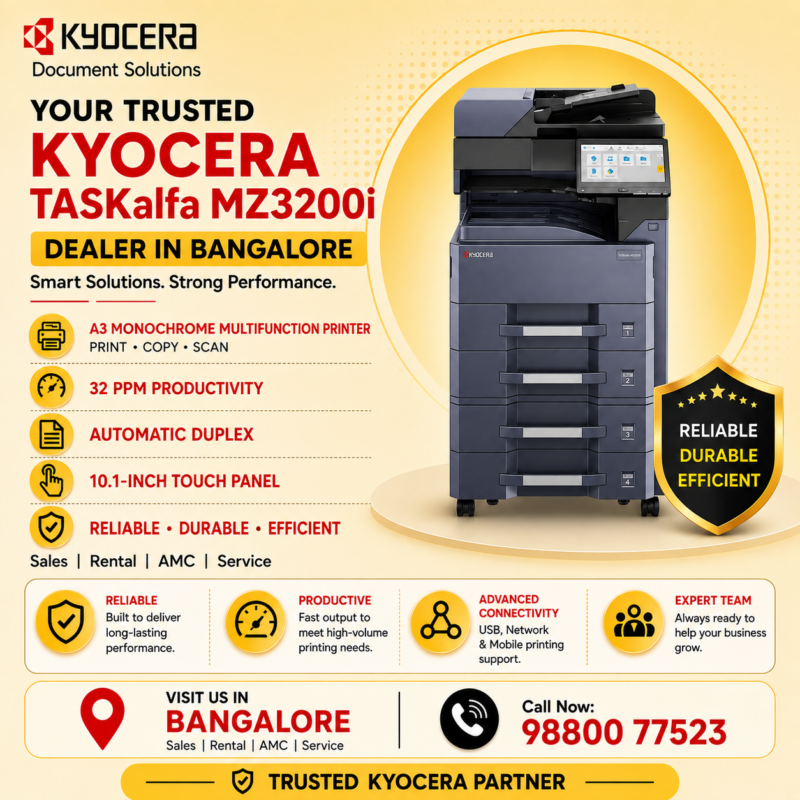
If you are searching for a Kyocera TASKalfa MZ3200i A3 Monochrome Multifunction Photocopier in Bangalore, this business-focused multifunction machine is designed to handle everyday office printing, copying and scanning requirements with the flexibility of A3 paper handling.

The Kyocera TASKalfa MZ3200i is suitable for organisations that need a central document system rather than relying on multiple small desktop printers. Its combination of monochrome output, multifunction capabilities, A3 support and business-oriented document handling makes it useful for offices, educational institutions, corporate departments and other professional environments.

At Digitech Imaging Solutions, businesses in Bangalore can get assistance selecting Kyocera photocopiers according to their printing volume, required functions, paper-handling requirements and budget.

Kyocera TASKalfa MZ3200i A3 Monochrome Multifunction Photocopier in Bangalore

Kyocera TASKalfa MZ3200i A3 Monochrome Multifunction Photocopier in Bangalore – Overview

The Kyocera TASKalfa MZ3200i A3 Monochrome Multifunction Photocopier is designed for organisations that require professional black-and-white document production along with scanning and copying capabilities.

Instead of using separate devices for different document tasks, businesses can centralise many everyday workflows around one multifunction machine.

The TASKalfa MZ3200i is especially relevant for organisations that frequently work with both A4 and A3 documents.

Typical documents can include:

  • Invoices
  • Quotations
  • Business reports
  • Contracts
  • Purchase orders
  • Accounting documents
  • Educational materials
  • Forms
  • Charts
  • Administrative paperwork

Kyocera TASKalfa MZ3200i A3 Monochrome Multifunction Photocopier in Bangalore – Key Features

The Kyocera TASKalfa MZ3200i A3 Monochrome Multifunction Photocopier offers business-focused features designed to simplify everyday document processing.

Major Features

  • A3 monochrome multifunction design
  • Printing
  • Copying
  • Scanning
  • Automatic duplex printing
  • A3 and A4 paper handling
  • Network printing
  • Business scanning capabilities
  • Automatic document processing
  • Multiple paper-source options
  • Touchscreen operation
  • Expandable paper handling
  • Office network integration
  • Optional finishing capabilities
  • Business-oriented security features

The exact configuration and available options should always be confirmed when purchasing the machine.

Kyocera TASKalfa MZ3200i A3 Monochrome Multifunction Photocopier in Bangalore – 32 PPM Productivity

One of the important considerations when selecting the Kyocera TASKalfa MZ3200i A3 Monochrome Multifunction Photocopier is printing productivity.

With a rated output of up to approximately 32 pages per minute on A4, the MZ3200i is positioned for professional environments that require regular document production without necessarily needing an extremely high-speed production machine.

A 32 ppm multifunction copier can be particularly useful when several employees share the same machine.

It can support regular printing of:

  • Reports
  • Statements
  • Invoices
  • Purchase orders
  • Contracts
  • Customer records
  • HR documents
  • Educational documents
  • Office correspondence

Kyocera TASKalfa MZ3200i A3 Monochrome Multifunction Photocopier in Bangalore – A3 Printing Benefits

A major reason businesses choose the Kyocera TASKalfa MZ3200i A3 Monochrome Multifunction Photocopier  is its support for larger document formats.

Standard A4 printers can become limiting when a business needs to produce larger spreadsheets, diagrams, charts or educational documents.

A3 capability provides additional flexibility.

A3 printing and copying can be useful for:

  • Large spreadsheets
  • Business charts
  • Financial tables
  • Educational materials
  • Diagrams
  • Plans
  • Office notices
  • Large-format reports
  • Presentation materials

Businesses that frequently alternate between A3 and A4 documents can therefore manage both requirements from a single central machine.

Kyocera TASKalfa MZ3200i Specifications

SpecificationDetails
Machine TypeA3 monochrome multifunction photocopier
FunctionsPrint, copy and colour scan
Print SpeedUp to 32 ppm
Print ResolutionUp to 1,200 × 1,200 dpi
Paper Capacity1,100 sheets standard
Duplex PrintingAutomatic
Memory4 GB
Display10.1-inch colour touchscreen
ConnectivityUSB and Gigabit Ethernet
Fax and Wi-FiOptional
Toner CartridgeKyocera TK-7130
Toner YieldApproximately 20,000 pages

Kyocera TASKalfa MZ3200i A3 Monochrome Multifunction Photocopier in Bangalore – Scanning

Modern office workflows increasingly require documents to be digitised rather than simply photocopied.

The Kyocera TASKalfa MZ3200i A3 Monochrome Multifunction Photocopier in Bangalore can support business scanning workflows that help organisations convert paper documents into digital files.

Scanning can be useful for:

  • Contracts
  • Customer documents
  • Employee records
  • Accounting documents
  • Purchase orders
  • Invoices
  • Certificates
  • Educational documents
  • Business correspondence

A central multifunction scanner can help reduce dependence on separate desktop scanners while improving document accessibility across the organisation.

Kyocera TASKalfa MZ3200i A3 Monochrome Multifunction Photocopier in Bangalore – Automatic Duplex Printing

Automatic duplex functionality is another useful feature for offices.

The Kyocera TASKalfa MZ3200i A3 Monochrome Multifunction Photocopier in Bangalore can produce double-sided documents automatically on supported paper sizes and configurations.

Duplex printing is particularly useful for:

  • Business reports
  • Contracts
  • Training manuals
  • Educational materials
  • Internal documents
  • Policy documents
  • Multi-page reports

Producing documents on both sides of a she

Kyocera TASKalfa MZ3200i A3 Monochrome Multifunction Photocopier in Bangalore – Paper Handling

Paper capacity is particularly important when a multifunction copier is shared by several employees.

The Kyocera TASKalfa MZ3200i A3 Monochrome Multifunction Photocopier in Bangalore provides business-oriented paper handling with options to accommodate different office requirements.

Expandable paper handling can be valuable for organisations that regularly print larger document sets.

Instead of continuously refilling the machine, businesses can configure suitable paper sources according to their expected workload.

Different trays can also be useful for keeping commonly used paper formats ready, such as A4 in one source and A3 in another.

Kyocera TASKalfa MZ3200i A3 Monochrome Multifunction Photocopier in Bangalore – Scanning

The Kyocera TASKalfa MZ3200i A3 Monochrome Multifunction Photocopier offers advanced scanning capabilities designed for offices and businesses that need to convert paper documents into digital files quickly and efficiently. Although the machine prints and copies in monochrome, its scanning system supports full-colour, grayscale and black-and-white scanning.

With flexible scan destinations, multiple file formats, high-resolution scanning and optional high-speed document processors, the Kyocera TASKalfa MZ3200i can support everything from occasional office scanning to demanding document-digitization workflows.

Kyocera TASKalfa MZ3200i A3 Monochrome Multifunction Photocopier – Advanced Scan Features

The TASKalfa MZ3200i provides several useful document and image-processing features, including continuous scanning, file separation, skip blank pages, border erase, background adjustment, bleed-through prevention, sharpness adjustment, duplex scanning and long-original scanning.

These capabilities can help businesses create cleaner and more organized digital documents while reducing unnecessary manual editing after scanning.

Kyocera TASKalfa MZ3200i A3 Monochrome Multifunction Photocopier – OCR and Searchable Documents

For organizations managing large digital archives, optional OCR capabilities can improve document workflows.

With the appropriate optional functionality, scanned documents can be converted into searchable PDFs and supported Microsoft Office formats. This can make it easier to locate information within large collections of scanned business documents.

Kyocera TASKalfa MZ3200i A3 Monochrome Multifunction Photocopier – Advanced Scan Features

The TASKalfa MZ3200i provides several useful document and image-processing features, including continuous scanning, file separation, skip blank pages, border erase, background adjustment, bleed-through prevention, sharpness adjustment, duplex scanning and long-original scanning.

These capabilities can help businesses create cleaner and more organized digital documents while reducing unnecessary manual editing after scanning.

Kyocera TASKalfa MZ3200i A3 Monochrome Multifunction Photocopier in Bangalore – Paper Handling

Paper capacity is particularly important when a multifunction copier is shared by several employees.

The Kyocera TASKalfa MZ3200i A3 Monochrome Multifunction Photocopier in Bangalore provides business-oriented paper handling with options to accommodate different office requirements.

Expandable paper handling can be valuable for organisations that regularly print larger document sets.

Instead of continuously refilling the machine, businesses can configure suitable paper sources according to their expected workload.

Kyocera TASKalfa MZ3200i A3 Monochrome Multifunction Photocopier in Bangalore – Ideal Business Applications

The Kyocera TASKalfa MZ3200i A3 Monochrome Multifunction Photocopier in Bangalore can be considered for a wide range of professional environments.

Suitable For

  • Corporate offices
  • Small and medium businesses
  • Schools
  • Colleges
  • Coaching centres
  • Accounting departments
  • Administrative departments
  • Retail businesses
  • Warehouses
  • Logistics companies
  • Professional offices
  • Government organisations

Its combination of A3 handling, monochrome printing, scanning and copying can make it particularly suitable for workplaces where most documents are black and white.

Kyocera TASKalfa MZ3200i A3 Monochrome Multifunction Photocopier in Bangalore – Rental

Purchasing a multifunction copier may not be the best option for every organisation.

Businesses with temporary projects, changing workloads or limited upfront budgets can also consider photocopier rental in Bangalore.

Rental solutions may be useful for:

  • Temporary offices
  • Project sites
  • Corporate projects
  • Educational institutions
  • Training centres
  • Events
  • Startups
  • Growing businesses

Availability of a specific MZ3200i rental configuration should be confirmed before making a decision.

Kyocera TASKalfa MZ3200i A3 Monochrome Multifunction Photocopier in Bangalore – Why Choose Digitech Imaging Solutions?

When purchasing a Kyocera TASKalfa MZ3200i A3 Monochrome Multifunction Photocopier in Bangalore, businesses should consider not only the machine but also product guidance and after-sales support.

Digitech Imaging Solutions can assist businesses with office printing and document-imaging requirements.

Solutions can include:

  • Kyocera photocopier sales
  • Kyocera printer solutions
  • A3 multifunction photocopiers
  • Printer sales
  • Photocopier rental
  • Printer rental
  • AMC solutions
  • Maintenance support
  • Toner cartridges
  • Photocopier spare parts
  • Business printing solutions

Customers can choose equipment according to their expected print volume, paper requirements, functions and budget.

Kyocera TASKalfa MZ3200i A3 Monochrome Multifunction Photocopier in Bangalore – FAQs

What is the Kyocera TASKalfa MZ3200i?

The Kyocera TASKalfa MZ3200i is an A3 monochrome multifunction device designed for professional printing, copying and scanning requirements.

What is the print speed of the Kyocera TASKalfa MZ3200i?

The MZ3200i is designed to deliver approximately 32 pages per minute for A4 monochrome output, making it suitable for many office workgroups.

Does the Kyocera TASKalfa MZ3200i support A3?

Yes. A3 document handling is one of the major advantages of the MZ3200i.

Does the Kyocera TASKalfa MZ3200i support duplex printing?

Yes. Automatic duplex printing supports convenient double-sided document production on compatible media.

Is the Kyocera TASKalfa MZ3200i suitable for business use?

Yes. Its combination of A3 support, multifunction capabilities, approximately 32 ppm A4 output, scanning and business-oriented paper handling makes it suitable for many professional environments.

Where can I buy a Kyocera TASKalfa MZ3200i in Bangalore?

Businesses can contact Digitech Imaging Solutions to enquire about current Kyocera TASKalfa MZ3200i pricing, configuration, availability and office printing solutions.

Kyocera TASKalfa MZ3200i A3 Monochrome Multifunction Photocopier in Bangalore – Final Verdict

The Kyocera TASKalfa MZ3200i A3 Monochrome Multifunction Photocopier in Bangalore is a practical option for businesses that need professional monochrome document production combined with A3 paper handling, copying and scanning.

Its approximately 32 ppm A4 output, A3 capability, multifunction design, automatic duplex functionality and flexible paper handling make it particularly relevant for small and medium-sized organisations as well as departmental workgroups.

When selecting a copier, businesses should evaluate monthly print volume, required accessories, paper sizes, scanning requirements, service availability and long-term operating costs.

If you are searching for a Kyocera TASKalfa MZ3200i A3 Monochrome Multifunction Photocopier in Bangalore, contact Digitech Imaging Solutions for the latest pricing and suitable configuration.

Call Now: 9880077523

Upgrade your office productivity with reliable, enterprise-grade printing and photocopying solutions from Digitech Imaging Solutions.

We provide complete printing solutions tailored to businesses, corporate offices, educational institutions, hospitals, banks and commercial organisations.

Leave a Reply

Your email address will not be published. Required fields are marked *