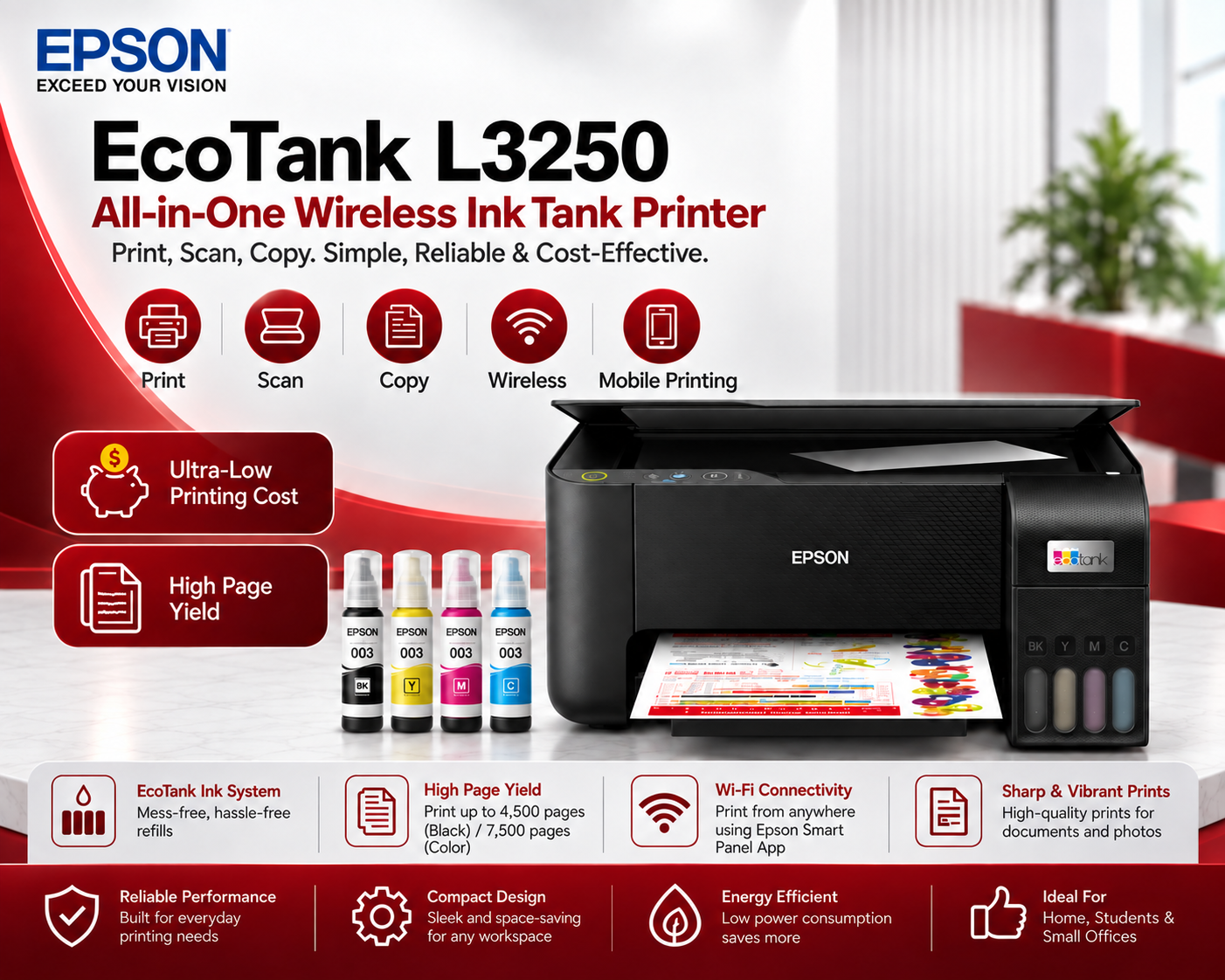
Epson Smart Panel is a mobile application designed to simplify the setup and operation of compatible Epson printers and scanners. It is available for supported Android and iOS devices.
Using the app, customers can set up a compatible Epson product, print documents and photographs, scan files and access copying functions directly from a smartphone or tablet. Epson Smart Panel can also display ink levels and product-status information. Available functions depend on the connected Epson model.
Useful Epson Smart Panel features may include:
• Guided wireless printer setup
• Mobile document and photo printing
• Scanning to a smartphone or tablet
• Copy controls for compatible printers
• Ink-level and printer-status monitoring
• Product registration
• Troubleshooting assistance
• Customisable application interface
To get started, download Epson Smart Panel from the Apple App Store or Google Play. Connect the mobile device to the appropriate wireless network, open the application and follow the on-screen setup instructions. Always check whether the specific Epson printer or scanner supports the application because compatibility and features vary by model.
Contact Digitech Imaging Solutions for help selecting a compatible Epson printer in Bangalore.