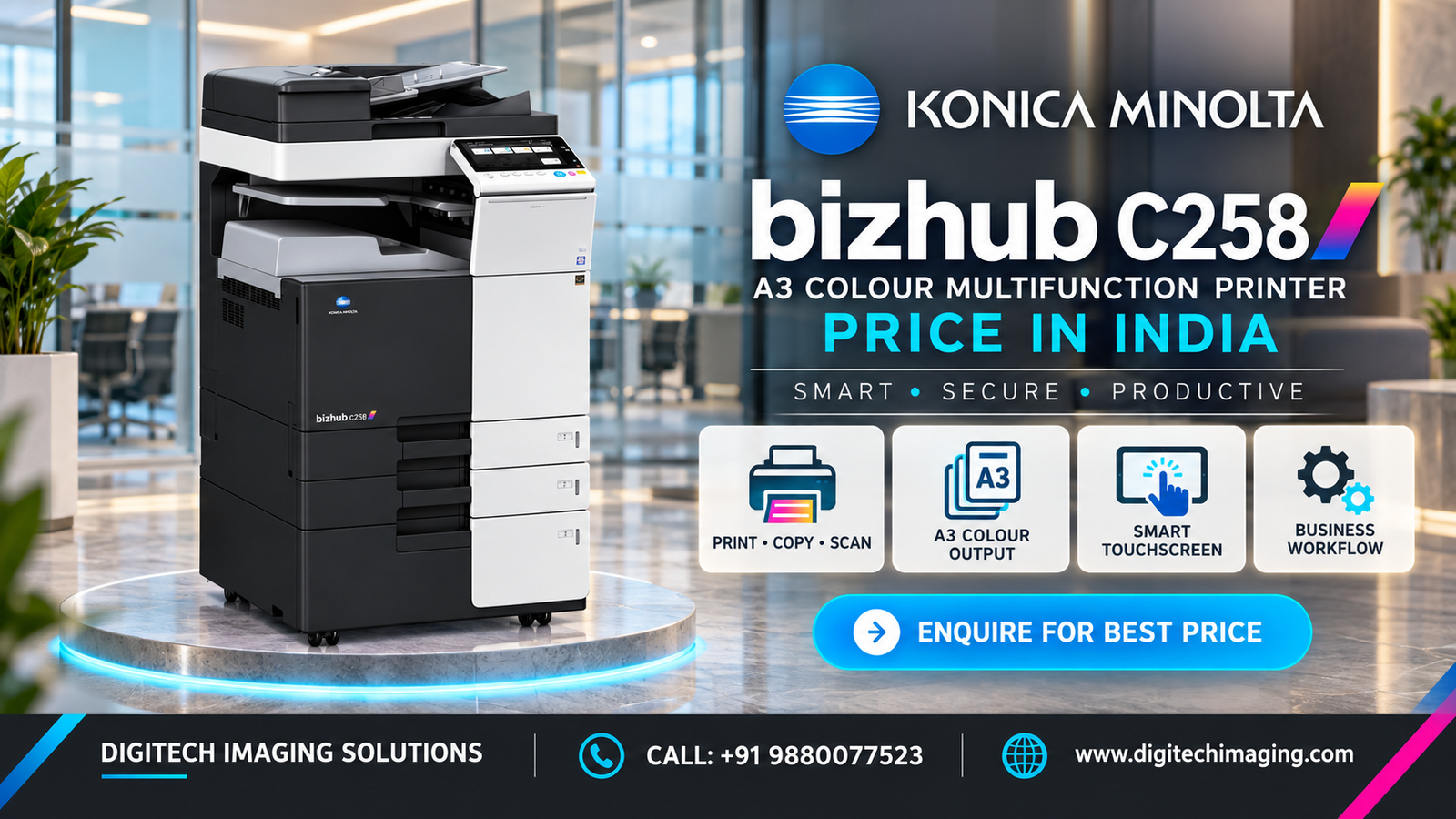
The Konica Minolta C258 internal design integrates colour-imaging, paper-feeding, processing, scanning and duplex systems within a professional A3 multifunction printer.
The Bizhub C258 uses separate cyan, magenta, yellow and black toner supplies to produce colour and monochrome documents. During printing, the machine prepares the colour image, transfers it onto the paper and passes the sheet through the fusing section, where heat and pressure create the finished output.
Important internal components may include:
• Cyan, magenta, yellow and black toner cartridges
• Colour drum and imaging units
• Developer units
• Image-transfer system
• Transfer belt and related components
• Fusing unit
• Waste-toner container
• Laser exposure and imaging system
• Paper-feed rollers
• Paper-registration mechanism
• Automatic duplex paper path
• Paper-exit and delivery system
• Internal cooling and ventilation components
• Electronic controller and memory
• 250 GB internal hard drive
• Paper, toner and machine-status sensors
Paper travels from the selected tray through the feed and registration sections. After the image is transferred and fused onto the paper, the sheet moves to the output area. During double-sided printing, the automatic duplex mechanism redirects the sheet through the machine to print on its reverse side.
Some internal parts are consumables, while others are intended for inspection or replacement by a trained service technician. Users should not dismantle toner containers, imaging units, the fuser or electrical sections.
When evaluating a refurbished Bizhub C258, request information about the drum units, developer units, transfer components, fuser, feed rollers, waste-toner system, meter readings and maintenance history. Lines, repeated marks, poor colour registration or toner that does not fuse correctly may indicate worn components.
Contact Digitech Imaging Solutions for inspection, spare parts, preventive maintenance, service support and the latest Konica Minolta Bizhub C258 quotation.