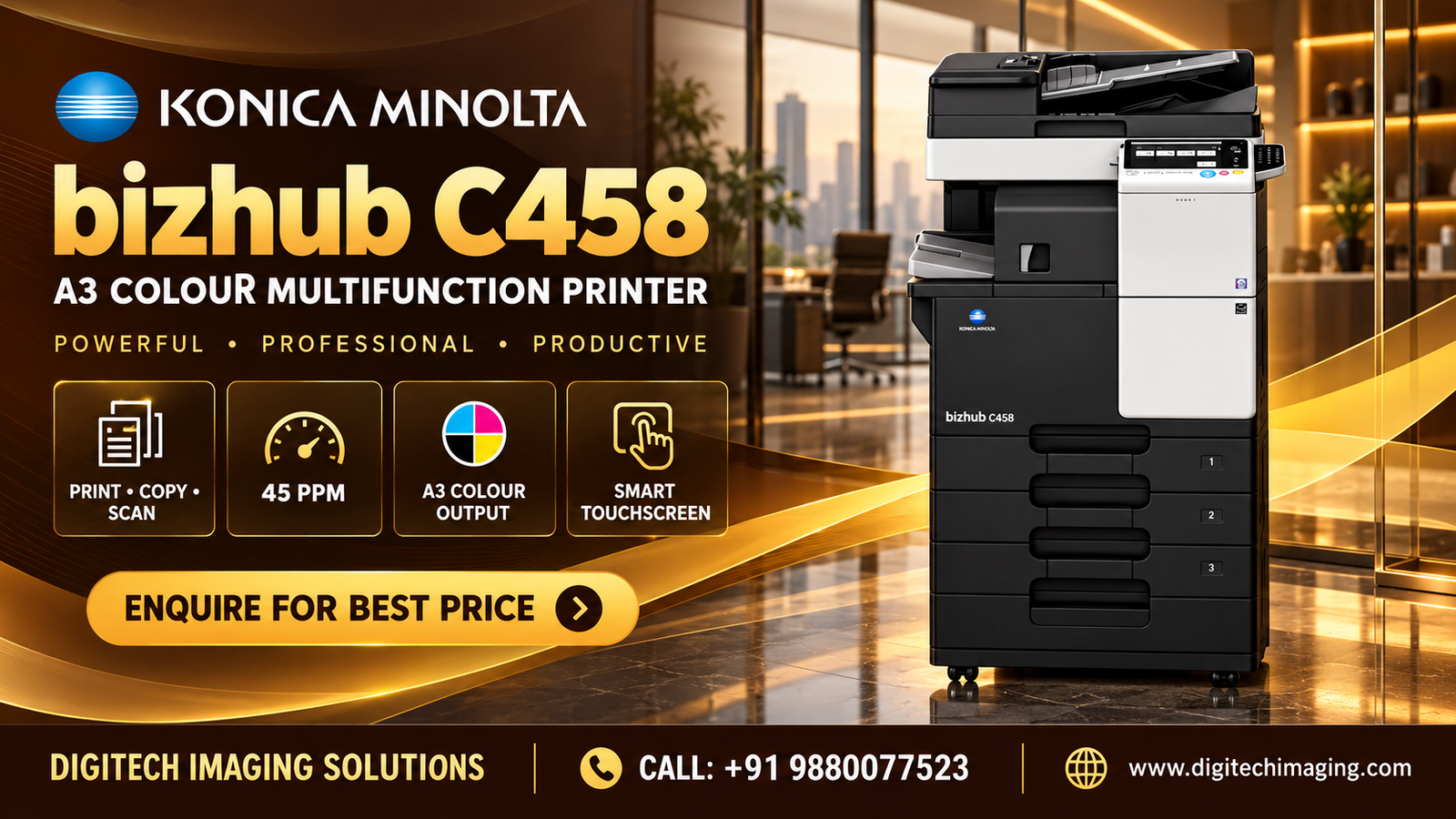
Looking for the official Konica Minolta C458 driver download? Installing the correct printer driver helps your computer communicate with the Konica Minolta Bizhub C458 for printing, scanning and device configuration.
Use the official Konica Minolta Drivers and Downloads portal and search for Bizhub C458. Select the correct operating system and review the available driver version before downloading.
• The exact model is Bizhub C458
• Your operating system and version
• Whether Windows is 32-bit or 64-bit
• macOS or Linux compatibility
• The driver language and region
• The driver’s publication date and release notes
• Administrator access for installation
Download drivers only from an official Konica Minolta support website. Avoid unknown third-party download pages because driver packages from unofficial sources may be outdated, incompatible or unsafe.
For a network installation, keep the printer’s IP address ready. Install the appropriate driver, add the printer using its IP address and print a test page. If scanning is required, additional scanner software or scan-to-folder configuration may be necessary.
The availability of drivers can vary by operating system, region and software version. Older operating systems may not receive newly updated drivers.
Contact Digitech Imaging Solutions for assistance with Konica Minolta C458 driver installation, network configuration, scan-to-folder setup and printer support in Bangalore.