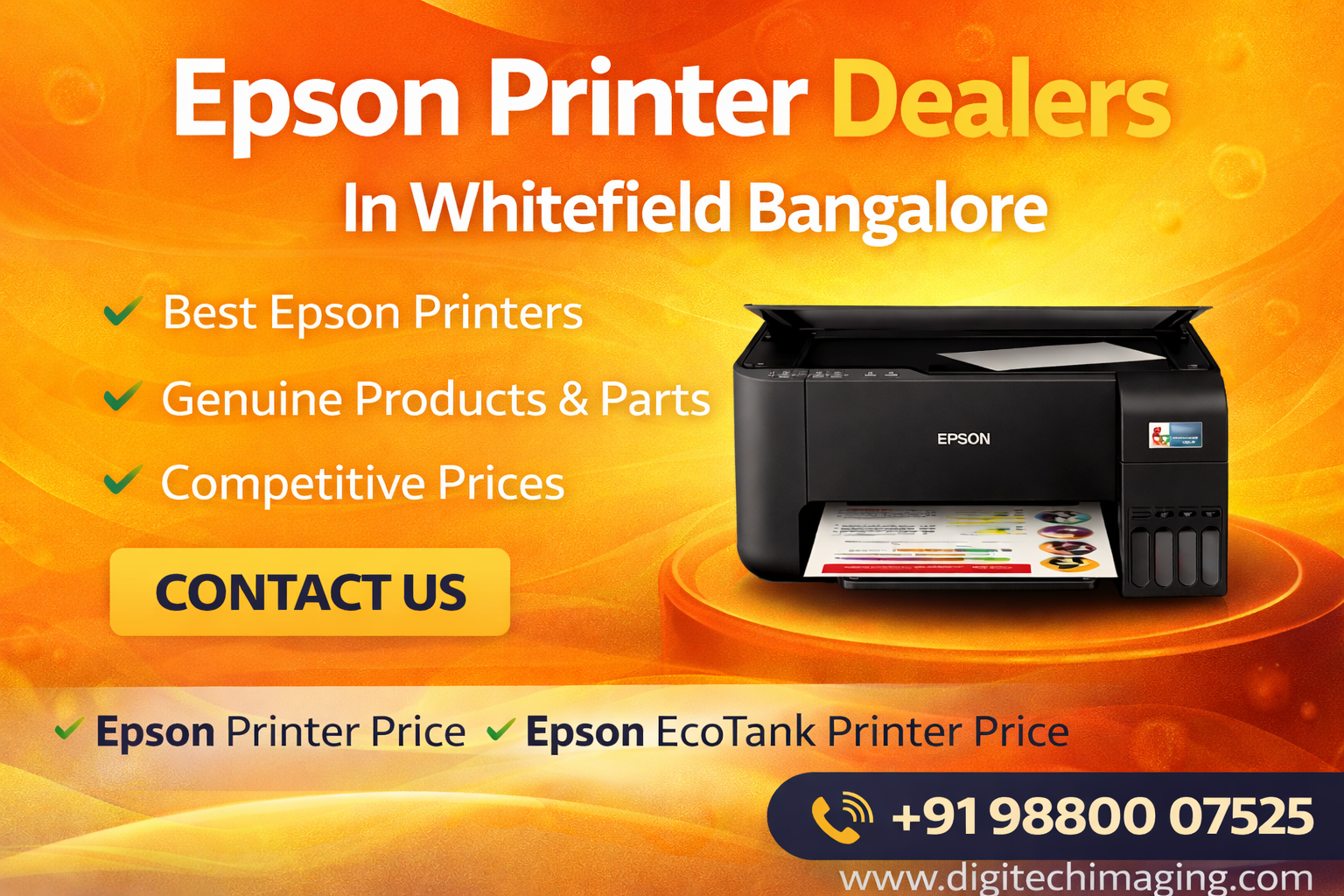

Epson EcoTank L3310 A4 All-in-One Ink Tank Printer Dealers in Bangalore
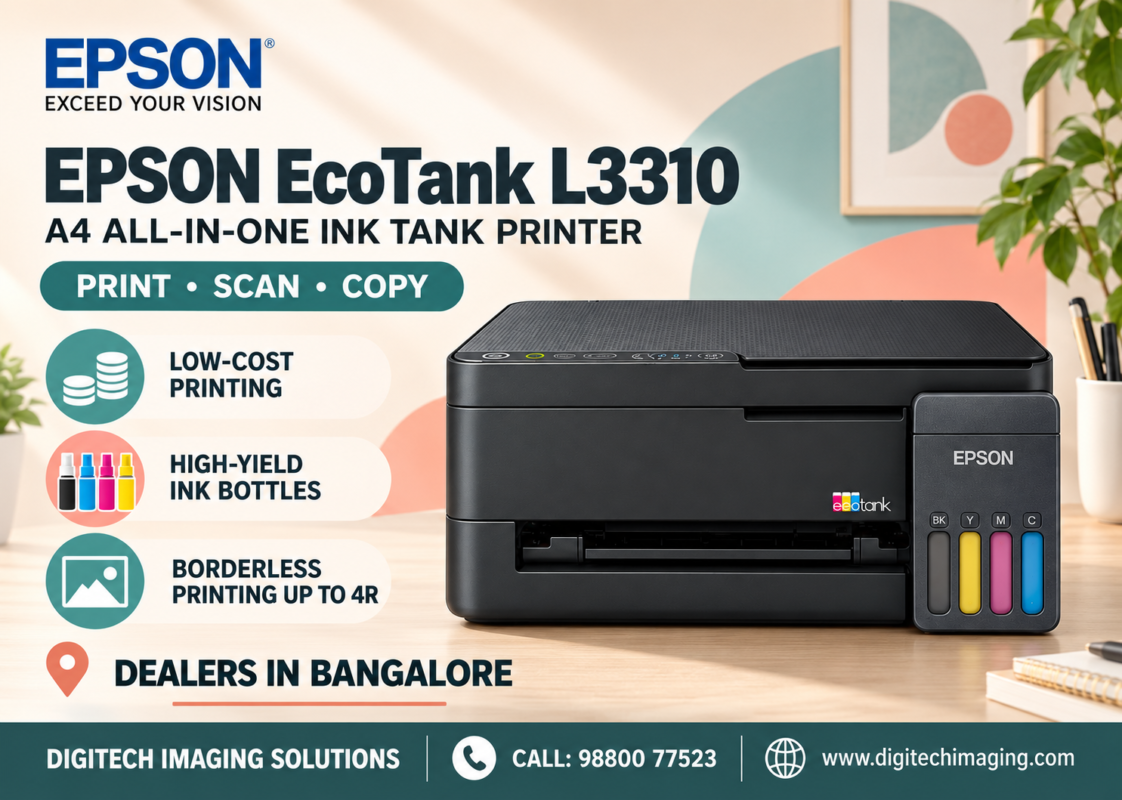
Are you searching for Epson EcoTank L3310 A4 All-in-One Ink Tank Printer dealers in Bangalore? Whether you need a printer for your home, school assignments, college projects, or everyday office documents, the Epson EcoTank L3310 offers printing, scanning, and copying in one compact machine.
The Epson L3310 is an A4 colour ink tank printer designed for regular document printing. It features refillable ink tanks, a flatbed scanner, USB connectivity, and borderless photo printing up to 4R. Its compact design makes it suitable for users who want several everyday functions without purchasing separate devices.
For customers in Bengaluru, choosing a printer involves more than checking its purchase price. Ink compatibility, printing volume, connectivity, warranty, and after-sales support are equally important.
This guide covers the L3310’s specifications, features, benefits, ink bottles, running costs, suitable applications, and factors to consider when purchasing from a printer supplier in Bangalore.
Epson L3310 Printing Speed and Performance
Print speed is an important consideration for users who regularly produce multi-page documents.
Epson specifies ISO A4 printing speeds of up to 11 images per minute for black and 6 images per minute for colour. In draft mode, the printer can reach up to 33 ppm black and 15 ppm colour under the manufacturer’s test conditions.
Actual performance depends on document complexity, paper, settings, software, and the connected computer.
For ordinary home and light-office requirements, this performance can support routine printing.
However, businesses that regularly produce hundreds of pages in a short period should also compare higher-capacity office printers.
High-Resolution Colour Printing
The Epson L3310 supports a maximum print resolution of 5,760 × 1,440 dpi.
This allows it to handle everyday text documents as well as selected colour graphics and photographs.
Users can print educational charts, presentations, illustrations, forms, and family photographs.
The final quality will depend on the source file, print settings, ink, and paper.
For specialised photographic work, a dedicated photo printer may be more appropriate, particularly when larger paper sizes or expanded-colour ink systems are required.
Epson EcoTank Technology for Everyday Printing
The EcoTank system is one of the L3310’s defining features.
Rather than relying on small conventional replacement cartridges, the printer uses integrated refillable ink tanks.
Users replenish the tanks with compatible Epson ink bottles when necessary.
Epson also provides designated bottle nozzles designed to simplify refilling and help prevent incorrect filling.
For households and small businesses with regular printing requirements, high-capacity refill bottles can reduce the frequency of ink replacement.
Epson L3310 Running Cost
Running cost is often a major concern for students, families, and businesses.
Epson advertises cost-per-print figures starting at approximately 9 paise for black and 33 paise for colour, based on its stated calculation methodology. These figures are indicative, not a guaranteed cost for every document.
Actual costs depend on ink consumption, document coverage, print settings, maintenance, and paper.
For example, printing a text-only document generally consumes less colour ink than printing a full-page photograph.
When comparing printers, calculate your expected monthly volume and consider the cost of compatible genuine ink bottles.
Flatbed Scanning for Documents and Photos
The L3310 includes a flatbed CIS colour scanner.
According to Epson’s India brochure, its optical resolution is 600 × 1,200 dpi, with a maximum scanning area of 216 × 297 mm.
The scanner can be used for documents, forms, receipts, certificates, photographs, and educational material.
A flatbed scanner is particularly useful when an item needs to remain flat or cannot be passed through a document feeder.
For occasional A4 scanning, this design provides a convenient way to digitise paperwork.
Copying with the Epson L3310
The copy function allows users to duplicate physical documents without first transferring them to a computer.
This is useful for students, households, and small businesses.
Epson lists copy speeds of up to approximately 7 ipm black and 1.7 ipm colour, with up to 20 copies available from a standalone operation under its specified conditions.
The L3310 is intended for everyday copying rather than high-volume departmental photocopying.
For offices that frequently duplicate large document sets, a dedicated business multifunction printer may be more suitable.
Epson L3310 Borderless Photo Printing
The L3310 supports borderless photo printing up to 4R, or 4 × 6 inches.
This feature allows users to print selected personal photographs without the standard white border.
It can be useful for family photos, small photo albums, school projects, and creative activities.
For larger borderless photographs, compare printers specifically designed for A4 or A3+ photo output.
[IMAGE 5 – Epson L3310 Borderless 4R Photo Printing]
USB Connectivity for Simple Setup
The Epson L3310 connects through Hi-Speed USB 2.0.
This provides a direct connection between the printer and a compatible computer.
A USB-connected printer can be convenient for users who mainly print from one desktop or laptop.
However, the L3310 does not provide built-in Wi-Fi or Wi-Fi Direct.
Customers who want to print directly from multiple wireless devices should consider a Wi-Fi-enabled model instead.
Compact Design for Homes and Small Offices
The L3310 integrates its ink tanks into the printer body.
This helps keep the machine compact and suitable for a desk or dedicated printing area.
It also combines three functions in one device, reducing the need for separate equipment.
When planning your workspace, allow enough room for paper loading, opening the scanner lid, and accessing the ink tanks.
Epson Heat-Free Technology
The L3310 uses Epson’s Heat-Free printing technology.
Epson explains that its piezoelectric ink-ejection process does not require heat at the point of ink ejection. The company highlights this technology in relation to power consumption and printing performance.
Epson EcoTank L3310 for Students in Bangalore
Students often need a printer for assignments, projects, diagrams, and reference material.
The L3310 can print both black-and-white and colour documents, making it useful for a variety of educational tasks.
Its scanner can help digitise handwritten notes, while the copy function supports occasional document duplication.
For students who mainly print from a computer through USB, the L3310 provides the essential functions in one machine.
If smartphone printing is a priority, however, a Wi-Fi model would be more convenient.
Epson L3310 for Home Users
A home printer may be used for many different tasks throughout the week.
Families may need to print bills, application forms, schoolwork, travel documents, and personal photographs.
The L3310 combines these everyday requirements with refillable ink tanks.
Its 4R borderless printing also adds flexibility for occasional photo printing.
For households that do not need wireless connectivity, it offers a straightforward USB-based printing setup.
Epson L3310 for Small Businesses
Small retailers, consultants, and independent professionals may use the L3310 for invoices, quotations, forms, and everyday records.
Its colour printing, scanning, and copying functions can support light administrative work.
However, business buyers should assess their monthly print volume and workflow.
If automatic duplex printing, bulk scanning, Ethernet networking, or wireless sharing is essential, compare other models before purchasing.
Important Features the Epson L3310 Does Not Include
Understanding a printer’s limitations is just as important as reviewing its features.
The L3310 does not include built-in Wi-Fi, automatic duplex printing, or an automatic document feeder.
Users must handle two-sided printing manually where appropriate, and multi-page scanning requires placing documents on the flatbed individually.
These limitations may not matter for occasional home use, but they can affect productivity in an office.
Choose a printer based on the functions you actually need rather than the model name alone.
Epson L3310 vs Epson L3350
The Epson L3310 and L3350 are both A4 all-in-one EcoTank printers, but they serve different connectivity needs.
The L3310 is a USB-connected model.
The L3350 adds wireless connectivity, including Wi-Fi and Wi-Fi Direct, making it relevant for users who want to print from compatible mobile devices or multiple computers.
Both models support everyday printing, scanning, and copying.
If you primarily print from one computer, the L3310 may meet your requirements. If wireless printing is essential, compare the L3350’s full feature set and current price.
Where to Find Epson EcoTank L3310 Dealers in Bangalore
When looking for Epson L3310 dealers in Bengaluru, compare the complete purchase experience.
Confirm the exact model number, warranty terms, genuine ink availability, delivery options, and after-sales arrangements.
You can contact Digitech Imaging Solutions a printing-equipment supplier in Prakash Nagar, Rajajinagar, to enquire about the L3310 and its current availability.
Why Contact Digitech Imaging Solutions?
Digitech Imaging Solutions supplies printing equipment and related products in Bangalore.
When enquiring about the L3310, share your expected monthly print volume, intended use, budget, and whether USB connectivity meets your requirements.
You can also ask about compatible Epson 003 ink bottles and the applicable warranty.
A clear discussion of these requirements helps you compare the L3310 with other Epson models before purchasing.
Frequently Asked Questions About Epson EcoTank L3310
Is Epson EcoTank L3310 an all-in-one printer?
Yes. It provides printing, scanning, and copying in one A4 colour ink tank printer.
Does Epson L3310 have Wi-Fi?
No. The L3310 uses USB connectivity. Buyers who require wireless printing should compare Wi-Fi-enabled EcoTank models.
Which ink does the Epson L3310 use?
It uses Epson 003 / T00V Black, Cyan, Magenta, and Yellow ink bottles.
What is the black ink yield?
Epson lists approximately 4,700 pages from the replacement black ink bottle under its specified testing methodology.
What is the colour ink yield?
Epson lists approximately 7,500 pages composite colour from replacement ink bottles. Actual yield varies with usage.
Does the Epson L3310 support automatic duplex printing?
No. It does not include automatic two-sided printing.
Does the Epson L3310 have an ADF?
No. It has a flatbed scanner rather than an automatic document feeder.
Can the Epson L3310 print photographs?
Yes. It supports borderless photo printing up to 4R.
Is the Epson L3310 suitable for students?
It can be useful for students who need regular A4 printing, scanning, and copying and are comfortable using a USB-connected printer.
Where can I enquire about Epson L3310 in Bangalore?
You can contact Digitech Imaging Solutions to enquire about current pricing and availability.
Conclusion: Epson EcoTank L3310 A4 All-in-One Ink Tank Printer Dealers in Bangalore
The Epson EcoTank L3310 A4 All-in-One Ink Tank Printer combines printing, scanning, and copying with a refillable ink tank system.
Its key features include up to 11 ipm black and 6 ipm colour ISO printing, high-capacity Epson 003 inks, a flatbed scanner, USB connectivity, and borderless photo printing up to 4R.
It is particularly relevant for students, home users, and small workspaces that need everyday A4 document functions.
Before buying, remember that the L3310 does not include Wi-Fi, automatic duplex printing, or an ADF. If those functions are important, compare another model.
For customers searching for Epson EcoTank L3310 A4 All-in-One Ink Tank Printer dealers in Bangalore, contact Digitech Imaging Solutions to enquire about the latest price, stock, and product information.
Call / WhatsApp: 98800 07525
Are you looking for Epson EcoTank L3310 A4 All-in-One Ink Tank Printer dealers in Bangalore?
The Epson EcoTank L3310 brings printing, scanning and copying together in one compact printer. Its refillable ink tank system makes it a practical choice for everyday documents, schoolwork and small office tasks.