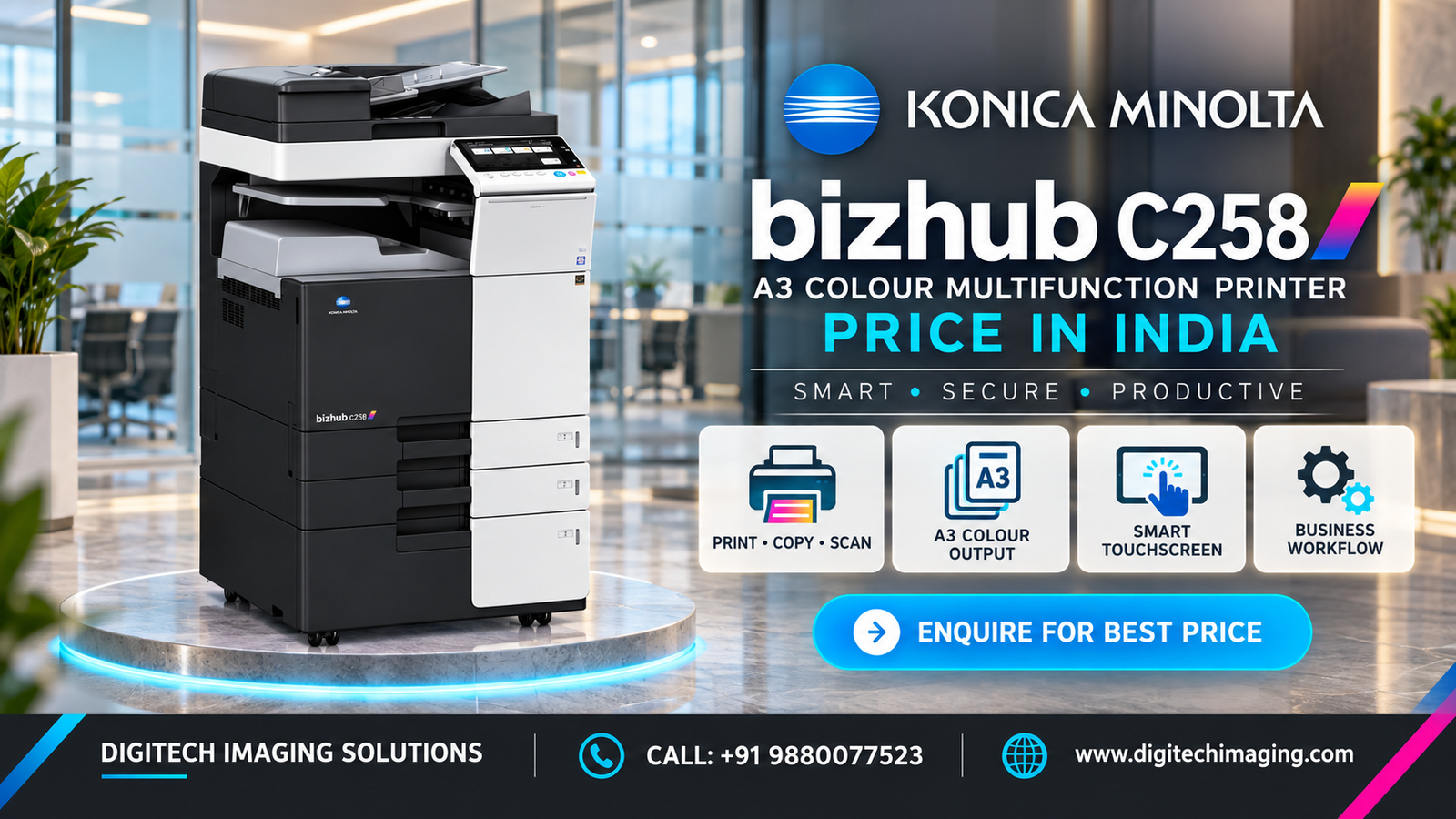
The Konica Minolta C258 external design combines a professional office appearance with accessible controls and practical paper-handling components.
The Bizhub C258 features Konica Minolta’s recognisable black-and-white exterior styling. Its colour touchscreen provides access to printing, copying, scanning, user authentication and machine settings through an organised interface.
Important external design elements may include:
• Large colour touchscreen control panel
• Clearly organised user interface
• Optional automatic document feeder
• Original input and output trays
• Flatbed scanner section
• Front-access toner compartment
• Two front-loading paper trays
• Side bypass tray for special media
• Central printed-document output area
• USB connection for supported operations
• Optional floor-standing paper cabinet
• Optional internal or external finisher
• Optional stapling and punching accessories
The basic machine has a relatively compact footprint for an A3 multifunction printer. Its final height and overall dimensions depend on the document feeder, paper cabinet, additional trays and finishing accessories installed.
Paper trays and the bypass tray are positioned for convenient loading. Front and side access panels allow authorised users or service technicians to clear paper jams, replace consumables and perform maintenance.
When evaluating a refurbished Bizhub C258, inspect the touchscreen, feeder hinges, paper trays, bypass tray, output section, exterior panels, access doors and cable connections. Damaged covers, worn tray guides or broken hinges may affect daily operation.
Allow adequate space around the machine for ventilation, paper loading, toner replacement, servicing and opening the front and side covers. Confirm that the machine can pass through the building’s doors, corridors and lift before delivery.
Contact Digitech Imaging Solutions for machine photographs, configuration details, current availability, warranty and the latest Konica Minolta Bizhub C258 quotation.